Grab the best moments of any stream with the VidMate Twitch downloader and download Twitch clips in seconds. Paste a Twitch clip link and save it as an MP4 in source quality, often 1080p at 60 frames per second, or as an MP3. It’s free, it runs in the browser and it needs no Twitch login.
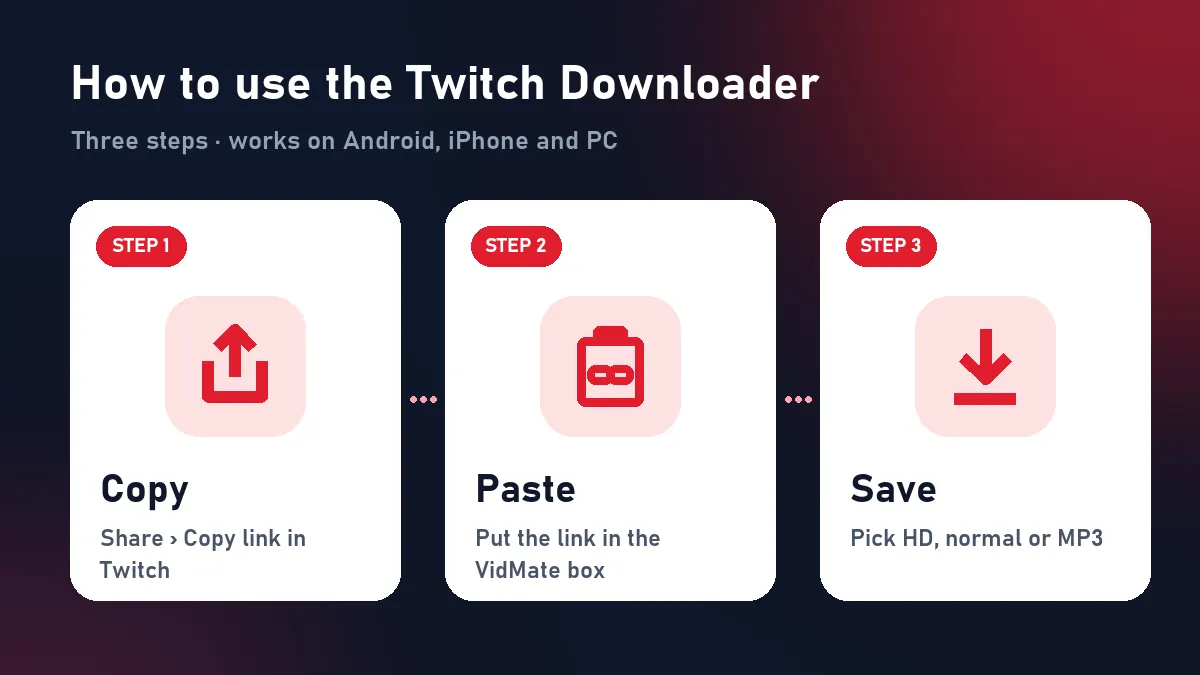
Quick answer: copy the clip link (Share › Copy link) → paste above → Download HD.
Using the Twitch downloader
On a computer
Open the clip on twitch.tv, click Share › Copy link (or copy the address bar), paste it into VidMate and click Download HD. The MP4 goes to your Downloads folder.
On a phone
In the Twitch app open the clip, tap Share › Copy link, paste it here in Chrome or Safari and tap Download HD. On iPhone, move it to Photos from Files › Downloads with Share › Save Video.
Twitch links: what works
| Link | Supported |
|---|---|
| clips.twitch.tv/… | Yes |
| twitch.tv/channel/clip/… | Yes |
| m.twitch.tv/channel/clip/… | Yes |
| twitch.tv/videos/… (VOD) | No |
| Live channel | No |
Why clips only?
Clips are public, permanent until deleted and at most a minute long: perfect for a quick download. VODs can run for hours, are often limited to subscribers and expire after a few weeks. If you need part of a VOD, make a clip of it on Twitch first and paste that link into the Twitch downloader.
File sizes
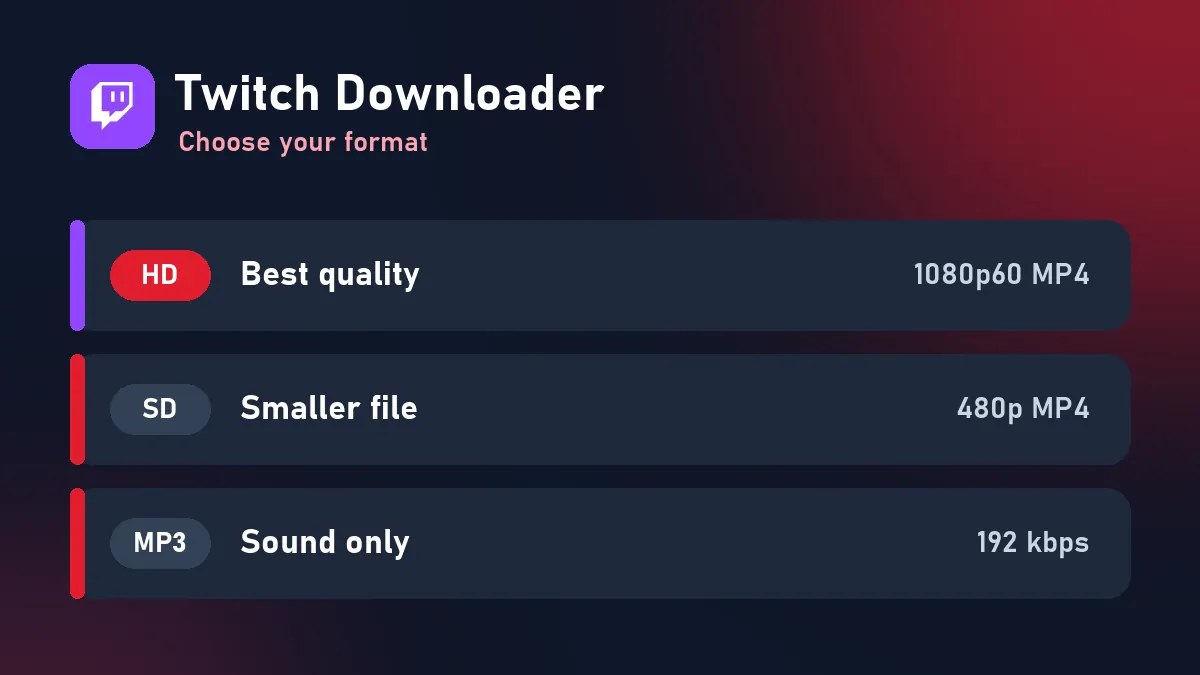
| Format | Typical clip version | 30-second clip |
|---|---|---|
| HD MP4 | 1080p60 (or 720p60) | 20–35 MB |
| Normal MP4 | 480p30 | 5–10 MB |
| MP3 | 192 kbps | about 0.7 MB |
Who downloads Twitch clips?
Streamers cutting highlights for TikTok, Reels and Shorts; editors putting together “best of” compilations (with permission); viewers keeping funny moments to share with friends. The Twitch downloader gives all of them a clean MP4 that opens in any editor.
Problems and fixes
| What you see | Why | Fix |
|---|---|---|
| “Unavailable” | Clip deleted | Nothing to download |
| VOD link refused | Not a clip | Create a clip first |
| “Too many requests” | Twitch slowed our server | Try again in a minute |
| Expired buttons | 10-minute limit | Paste the clip link again |
Respect streamers
Credit and link the channel whenever you post a clip from the Twitch downloader, and follow the streamer’s rules about reuploads.
Frequently asked questions
What does the Twitch downloader save?
Twitch clips, the short moments cut from broadcasts, as MP4 or MP3. Live streams and full VODs aren't supported.
Is the quality the same as on Twitch?
Yes. You get the clip's original quality, often 1080p at 60 fps.
Do I need a Twitch account?
No. Public clips download without logging in.
Can I use clips in my YouTube videos?
Only with the streamer's permission or within fair-use rules where you live. The streamer owns the content.
Why was my VOD link refused?
Only clips are supported. Create a clip from the VOD on Twitch, then paste the clip link.