Full HD is the sweet spot: sharp on a laptop or TV, small enough to keep. VidMate lets you download YouTube videos in 1080p as MP4 files with sound, straight from your browser. Paste a YouTube link above, press Download and pick Download HD.
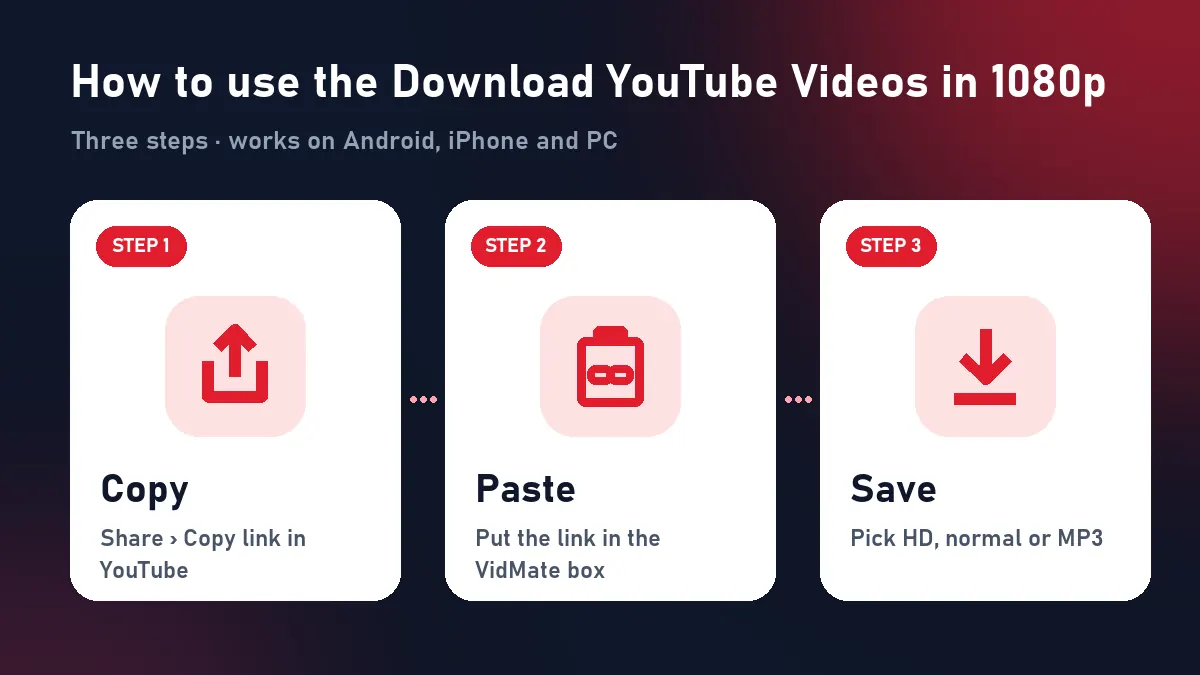
Quick answer: copy the YouTube link → paste above → Download → Download HD (1080p).
Step by step: YouTube 1080p download
| Step | Phone | Computer |
|---|---|---|
| Copy | YouTube app › Share › Copy link | Copy the youtube.com address |
| Paste | Paste into the box above | Paste into the box above |
| Download | Download HD shows 1080p | Same |
| Find | Files › Downloads (iPhone: Share › Save Video) | Downloads folder |
Why other sites give you 720p or silent 1080p
YouTube only offers a ready-made MP4 with sound up to 360p. Every 1080p copy is a picture-only stream plus a separate sound stream. Simple downloaders stop at 720p or hand you a 1080p file with no audio. VidMate fetches the 1080p H.264 picture and the AAC sound and merges them into one MP4 as it downloads. The result is real 1080p, with sound, in one file.
1080p file sizes to expect
| Length | 1080p MP4 |
|---|---|
| 1 minute | 10–25 MB |
| 4-minute song | 40–110 MB |
| 20-minute video | 300–500 MB |
| 1 hour | 1–2 GB |
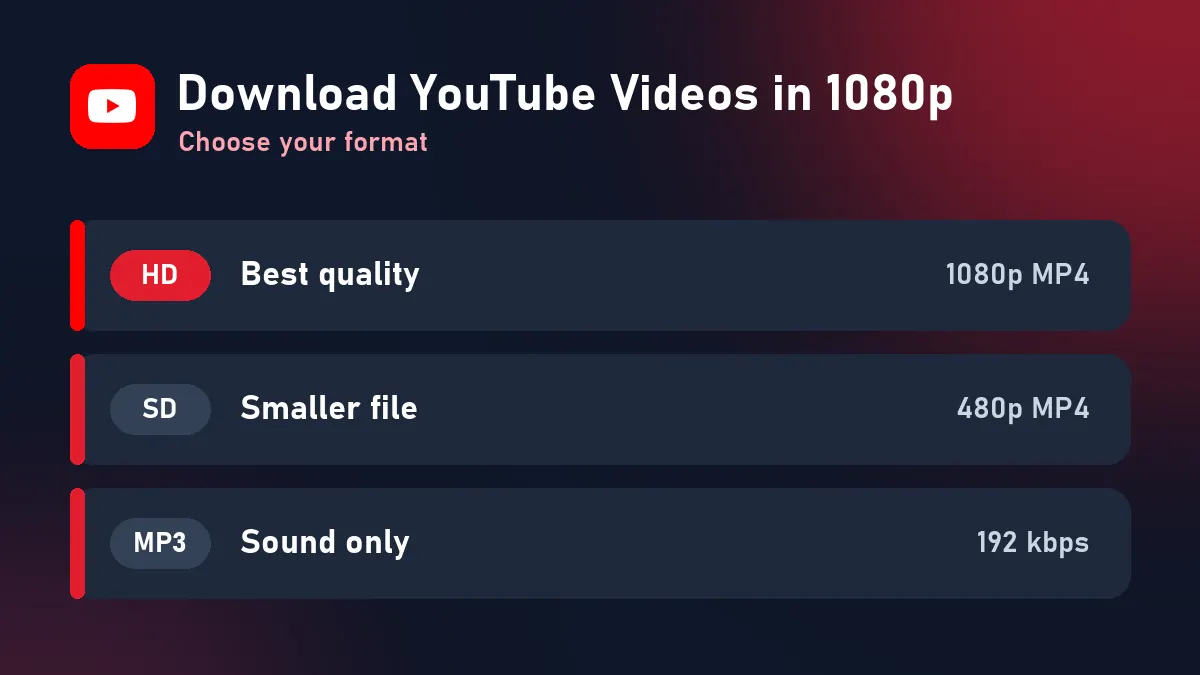
For phones with little storage, the Download button gives a 480p copy about a quarter of the size.
Not every video has 1080p
If the HD button shows 720p or less, the uploader didn’t publish 1080p. Old videos, many live-stream recordings and phone uploads often top out at 720p. VidMate never upscales: you always get the real maximum.
1080p on every device
- Smart TV / USB stick: copy the MP4 to a USB drive; nearly every TV plays H.264 1080p.
- Phone: perfect for offline viewing on trips; use Wi-Fi for long videos.
- Editing: 1080p H.264 opens instantly in CapCut, InShot, Premiere and DaVinci Resolve.
See also the YouTube to MP4 converter and the YouTube Shorts downloader.
When the download doesn’t work
| What you see | Cause | Fix |
|---|---|---|
| “Private or needs a login” | Private, members-only or age-restricted | Only public videos |
| “This video isn’t available” | Removed or region-blocked | Try another video |
| No file size shown | MP4 is merged as it downloads | Normal; wait for it to finish |
| Expired buttons | 10-minute limit | Paste the link again |
Respect creators
Download your own uploads, Creative Commons content, or videos you’re allowed to keep. Subscribe to the channels you enjoy.
Frequently asked questions
Can I really download YouTube videos in 1080p for free?
Yes. Paste the link, press Download and choose Download HD. No payment, sign-up or app.
How do I know a video is available in 1080p?
Open the gear (settings) menu on YouTube. If 1080p is listed, VidMate's HD button gives you 1080p.
Is the 1080p file compatible with my TV?
Yes. It's H.264 video with AAC sound in an MP4, which smart TVs, USB players and phones all support.
Why isn't 4K offered?
YouTube only provides 4K in codecs many devices can't play. 1080p MP4 plays everywhere.
Can I download YouTube Shorts in 1080p?
Yes. Shorts uploaded in Full HD download as 1080×1920 vertical MP4.