Snapchat doesn’t let you save other people’s Spotlights. The VidMate Snapchat downloader does: paste a Spotlight or public Story link and download the clip as an MP4 in the quality Snapchat stores it, or as an MP3 of the sound. No Snapchat account, no app, no notification.
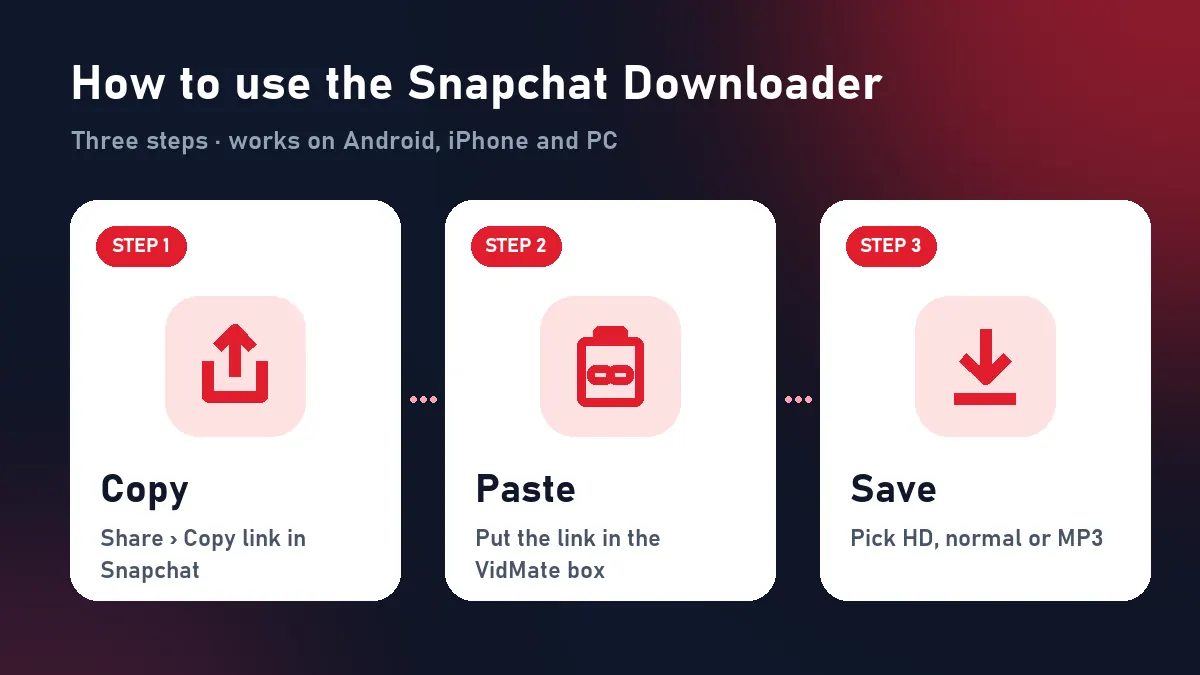
Quick answer: Share › Copy link on the Spotlight → paste above → Download.
Download Snapchat Spotlight videos
Spotlight is the public side of Snapchat, published on snapchat.com where anyone can watch. That makes it the part a Snapchat Spotlight downloader can save:
| Step | What to do |
|---|---|
| 1 | Open the Spotlight in Snapchat |
| 2 | Tap Share, then Copy link |
| 3 | Paste it above and tap Download |
| 4 | Find the MP4 in Files › Downloads (iPhone: Share › Save Video to add it to Photos) |
Public vs private on Snapchat
| Content | Can the Snapchat downloader save it? |
|---|---|
| Spotlight video | Yes |
| Public creator Story | Yes, the video shown now |
| Short link snapchat.com/t/… | Yes |
| Snaps in chat | No, private |
| Friends-only Story | No, private |
| Memories | No, use Snapchat’s export |
The file you get
Snapchat keeps one copy of each Spotlight, usually 720×1280 or 1080×1920, H.264 with AAC sound. VidMate streams that exact file to you: no re-compression, no added watermark. Any captions or stickers the creator recorded into the video stay, because they’re part of it.
Why not just screen-record?
Screen recording captures your notifications and status bar, records at your screen’s frame rate and often lowers the sound. The Snapchat downloader saves the original MP4: cleaner, smaller and faster.
Snapchat sounds as MP3
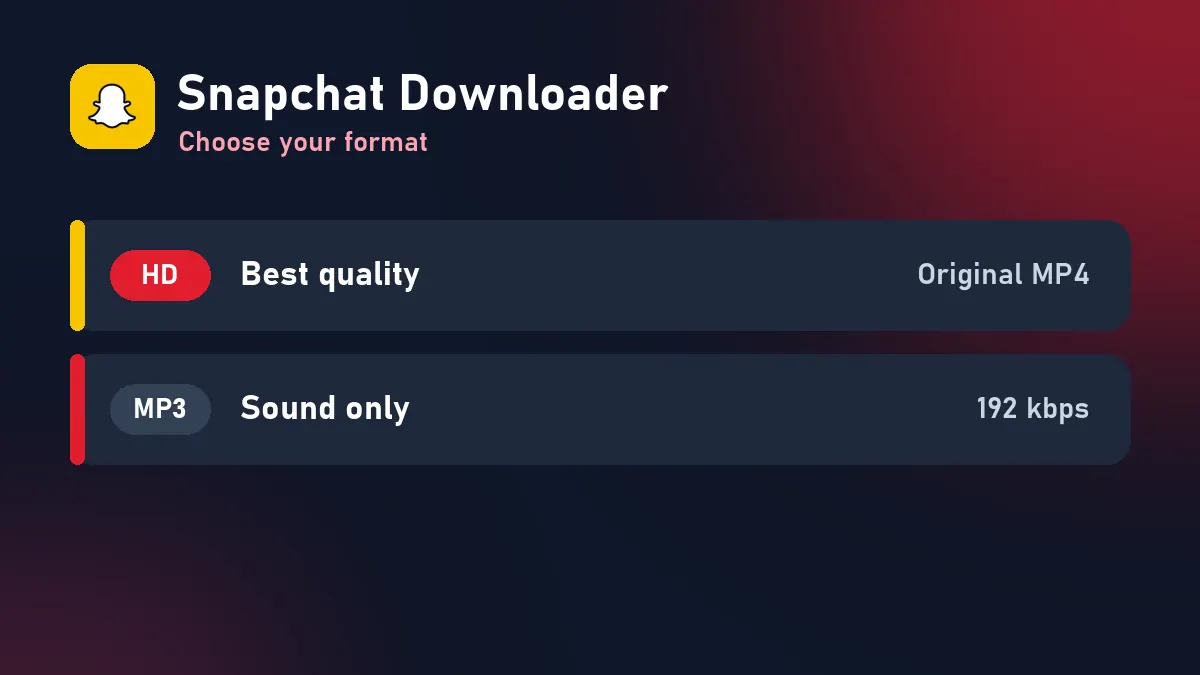
Trending sounds and voice clips from Spotlight work well as ringtones or WhatsApp status audio. Download MP3 keeps the whole soundtrack at 192 kbps.
When a Snapchat link fails
| What you see | Why | Fix |
|---|---|---|
| “Private or unavailable” | Not public or removed | Check it opens in a private browser window |
| “No video found” | Profile has no current Story | Copy a Spotlight link |
| Region blocked | Spotlight limited to some countries | Not fixable from our side |
| Expired buttons | 10-minute limit | Paste the link again |
Credit Spotlight creators
Creators can earn money from Spotlight views. Credit them when you share, and never repost a clip as your own.
Frequently asked questions
What can this Snapchat downloader save?
Public Spotlight videos and the current Story of public creator profiles, as MP4 or MP3.
How do I download Snapchat Spotlight videos?
In Snapchat tap Share › Copy link on the Spotlight, paste the link here and press Download.
Is it anonymous?
Yes. VidMate reads the public web page and never logs in, so the creator isn't notified.
Can I save my own Memories?
No. Memories are private. Use Snapchat's own export option in the app's settings.
Does it work on a computer?
Yes. Open the Spotlight on snapchat.com, copy the address bar and paste it here.