Shorts disappear into an endless feed, so when you find one worth keeping, save it. VidMate converts YouTube Shorts to MP4 in a few seconds. The VidMate YouTube Shorts downloader turns a Shorts link into a vertical MP4 with sound in the original resolution, or an MP3 of the audio. No app, no login, no watermark.
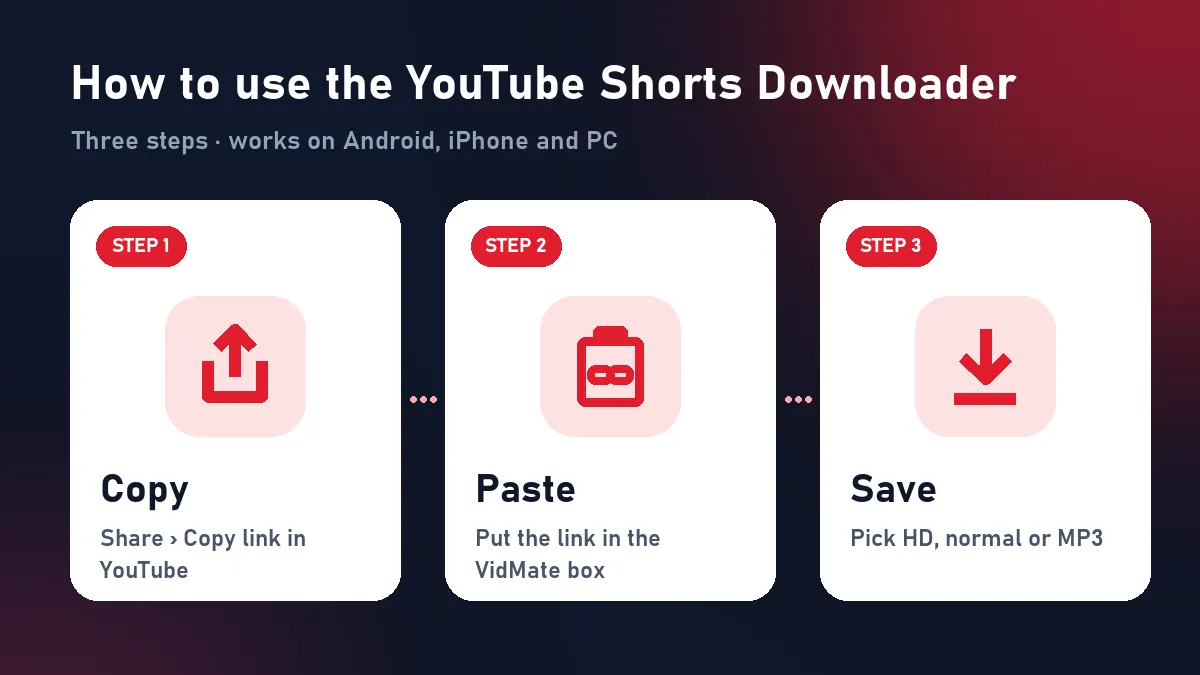
Quick answer: Share › Copy link on the Short → paste above → Download → choose a format.
Download YouTube Shorts on any device
Android: in the Shorts player tap Share › Copy link, open VidMate in Chrome, paste and tap Download HD. The Short appears in your gallery’s Download album.
iPhone: copy the link the same way, paste it in Safari, tap Download HD, then go to Files › Downloads and choose Share › Save Video.
PC or Mac: open the Short on youtube.com, copy the /shorts/ address and paste it here.
Save YouTube Shorts in the format you need
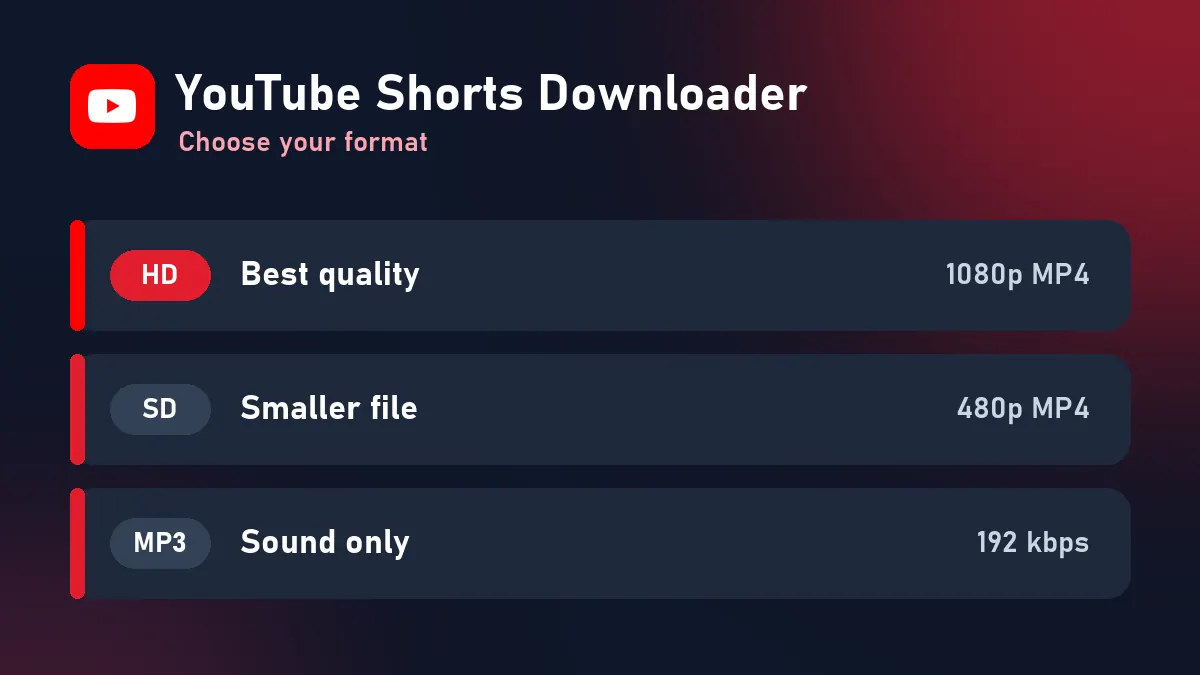
| Format | Details | Use it for |
|---|---|---|
| HD MP4 | Vertical, up to 1080×1920, H.264 + AAC | Reposting your own Shorts, editing |
| Normal MP4 | Smaller vertical copy | WhatsApp status, low storage |
| MP3 | 192 kbps audio | Songs, quotes, ringtones |
The YouTube Shorts downloader merges YouTube’s separate picture and sound streams into a single MP4, so every Short you save plays with audio. Nothing is re-encoded, so you get the original quality.
Who uses a YouTube Shorts downloader?
- Creators keeping a clean backup of their own Shorts and cross-posting them as Reels or TikToks.
- Teachers and students saving short lessons and tips to watch offline.
- Families sharing kids’ rhymes and funny clips on WhatsApp without the YouTube app.
Shorts links that work
| Link | Works |
|---|---|
| youtube.com/shorts/ID | Yes |
| youtu.be/ID?si=… | Yes |
| m.youtube.com/shorts/ID | Yes |
| Channel’s Shorts tab | No, open one Short |
For normal horizontal videos, use the YouTube to MP4 converter; for everything about YouTube, the YouTube downloader.
When a Short won’t download
| What you see | Why | Fix |
|---|---|---|
| “This video isn’t available” | Removed, private or region-blocked | Try another Short |
| “Private or needs a login” | Age-restricted or members-only | Only public Shorts work |
| “Paste the link of one YouTube video” | You copied a channel link | Copy the Short’s own link |
| Expired buttons | 10-minute limit | Paste the link again |
Credit Shorts creators
Save your own Shorts and clips you have permission to keep. If you share someone else’s Short, credit the channel and don’t present it as your own.
Frequently asked questions
Can I download YouTube Shorts without an app?
Yes. VidMate works in the browser on Android, iPhone and PC. Paste the Shorts link and download.
Are downloaded Shorts in HD?
Yes. You get the original vertical resolution, usually 1080×1920, with sound.
Do Shorts download with a watermark?
No. YouTube doesn't add one, and neither does VidMate.
Can I save a Short as audio only?
Yes. Download MP3 keeps the soundtrack as a 192 kbps MP3.
Where are my Shorts saved on iPhone?
In Files › Downloads. Tap the video and choose Share › Save Video to move it to Photos.