Every app has its own rules about saving videos, and most of them say no. The VidMate social media video downloader works with all of them at once: paste a link from YouTube, TikTok, Instagram, Facebook, X, Pinterest, Snapchat or six other platforms, and save the video in HD, a smaller size or MP3. Free, no app, no login.
Quick answer: Copy link in any app → paste above → Download.
13 platforms, one box
| Platform | Typical links | You get |
|---|---|---|
| YouTube | watch, youtu.be, Shorts | 1080p MP4, 480p, MP3 |
| TikTok | tiktok.com, vm.tiktok.com | 720p without watermark, MP3 |
| /reel/, /p/ | 1080p with sound, MP3 | |
| videos, Reels, fb.watch | HD, SD, MP3 | |
| X (Twitter) | x.com, twitter.com | Best size, GIFs as MP4 |
| pins, pin.it | up to 1080p | |
| Snapchat | Spotlight | Original MP4 |
| Likee | l.likee.video | 576p MP4 |
| Dailymotion | videos, dai.ly | up to 1080p |
| Twitch | clips | 1080p60 |
| SoundCloud | tracks | MP3 |
| public posts | MP4 | |
| Bluesky | bsky.app posts | 1080p |
How it works
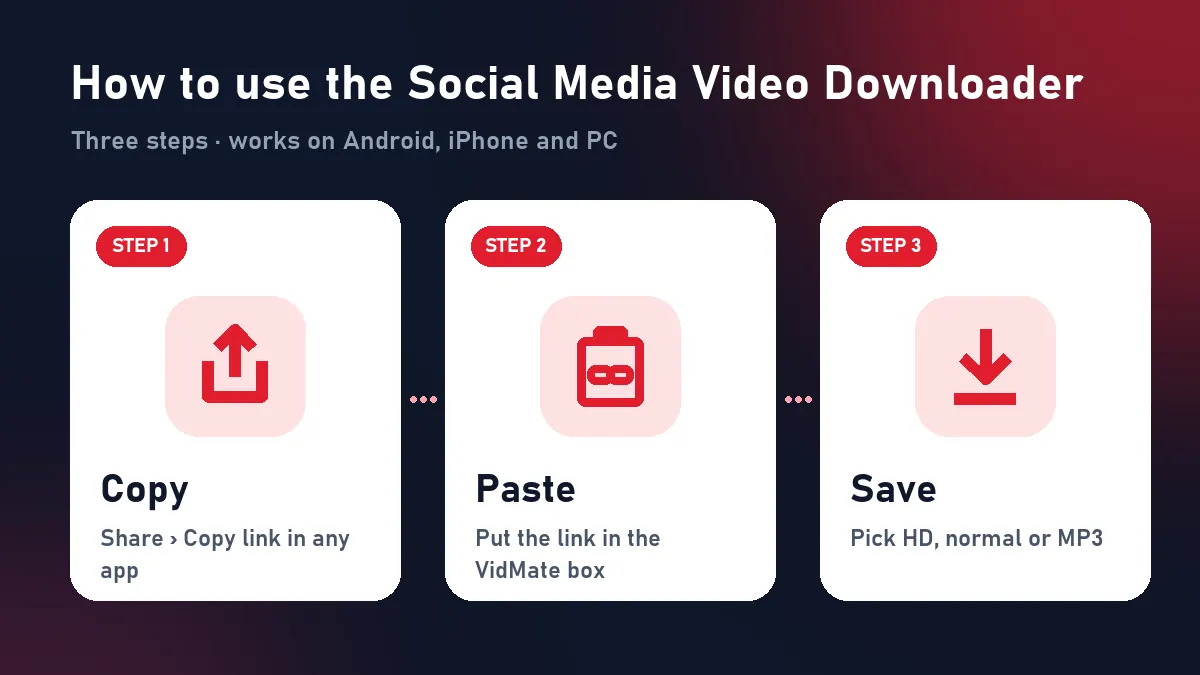
When you paste a link, VidMate checks which platform it belongs to, reads the public post the way a browser does, and finds the best file the platform stores. Some platforms (YouTube, Instagram, Pinterest, Bluesky) keep picture and sound in separate streams; VidMate merges them into one MP4 while it sends the file. Nothing is upscaled or re-compressed.
Why use one social media video downloader?
- No app clutter: one bookmark instead of a separate downloader for each platform.
- No risky APKs: nothing to install from outside the app store.
- Same on every device: Android, iPhone, iPad, Windows and Mac.
- Clean files: original quality, sound included, no added watermark.
Choose a format
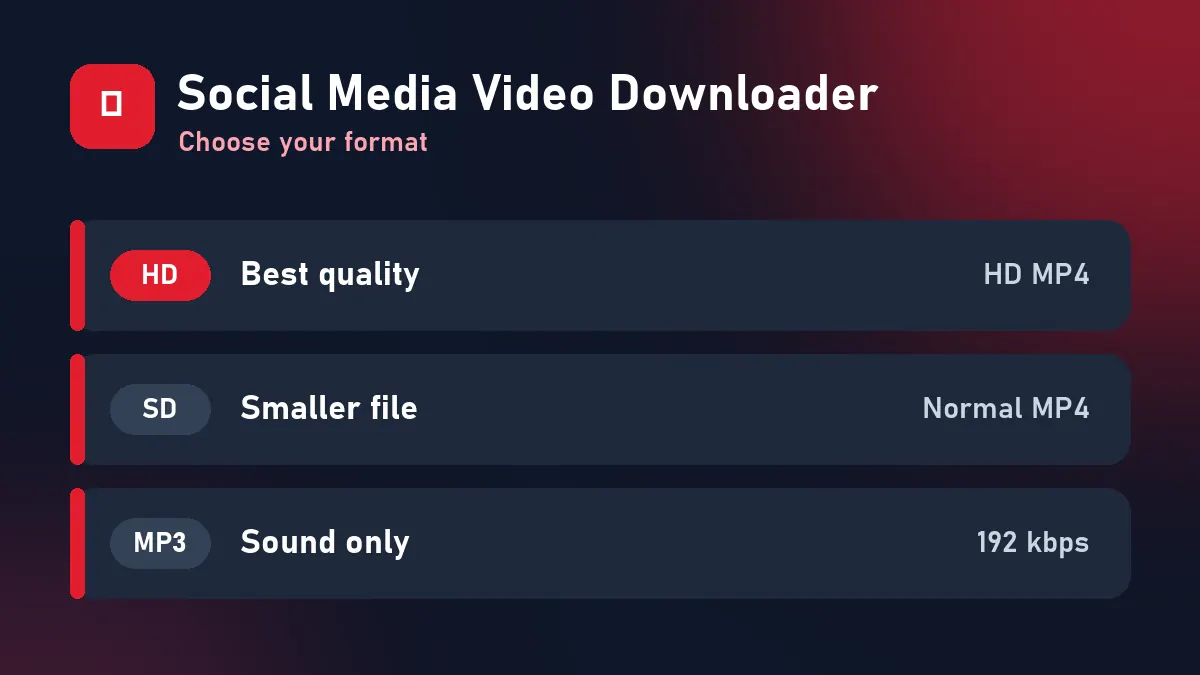
| Button | Use it when |
|---|---|
| Download HD | You want the best quality: TV, editing, reposting your own content |
| Download | You’re on mobile data or sending on WhatsApp |
| Download MP3 | You only need the sound: songs, naats, lectures, podcasts |
Tips for every platform
- Copy the link of the post itself, not the profile.
- Only public posts work: if it plays in a private browser window, it downloads here.
- Download buttons last 10 minutes; paste the link again after that.
Each platform also has its own guide in the menu, for example the YouTube downloader, TikTok downloader and Instagram Reel downloader.
Download responsibly
Save your own posts and content you have permission to keep. Don’t re-upload other people’s videos as your own; credit creators when you share.
Frequently asked questions
What is a social media video downloader?
A tool that saves videos from apps like YouTube, TikTok, Instagram and Facebook to your device. VidMate does it for 13 platforms from one box.
Do I need a different tool for each app?
No. Paste any supported link and VidMate detects the platform automatically.
Are videos saved without watermarks?
TikTok videos come from TikTok's clean copy without the logo. Other platforms don't add watermarks to their files, and VidMate adds none.
Is there a download limit?
No daily limit. A short per-minute limit only blocks bots.
Is my data stored?
No. There's no account, no history, and videos are never stored on the server.