The VidMate YouTube to MP4 converter saves YouTube videos as real MP4 files: 1080p when the video has it, plus a 480p MP4 for small downloads. Paste a YouTube, youtu.be or Shorts link above and press Download. It works in any browser, on any device, for free.
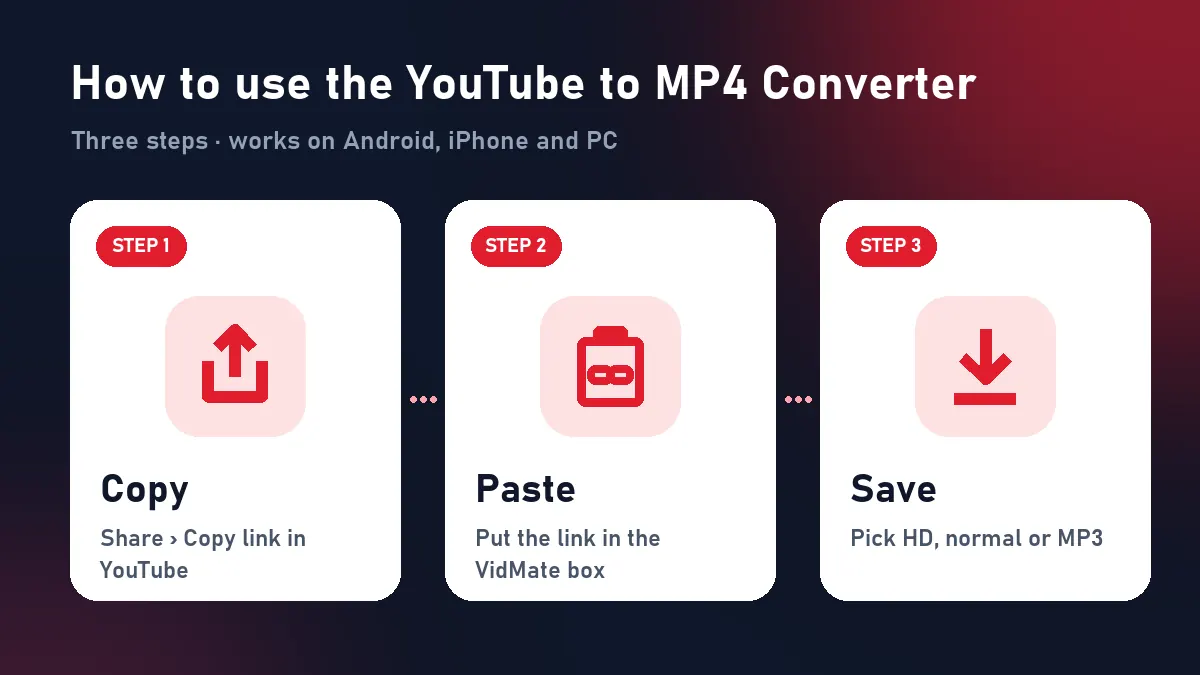
Quick answer: Share › Copy link in YouTube → paste above → Download → Download HD.
Convert YouTube to MP4 in 3 steps
| Step | Phone | Computer |
|---|---|---|
| 1. Copy | YouTube app › Share › Copy link | Copy the youtube.com address bar |
| 2. Paste | Long-press the box above › Paste | Ctrl + V into the box |
| 3. Save | Download HD (1080p) or Download (480p) | Same buttons |
The MP4 goes to your Downloads folder. iPhone users open Files › Downloads and tap Share › Save Video.
Why a YouTube to MP4 converter has to merge files
YouTube doesn’t store a ready-made 1080p MP4. It keeps picture-only and sound-only streams in many sizes and codecs, and its player combines them live. A converter that grabs one stream gives you a silent video or a blank screen. VidMate selects the H.264 picture (up to 1080p) and the AAC audio in the video’s original language, then merges them into one MP4 on the fly without re-encoding. That’s why the file plays with sound, looks identical to YouTube and opens everywhere.
1080p MP4 vs 480p MP4
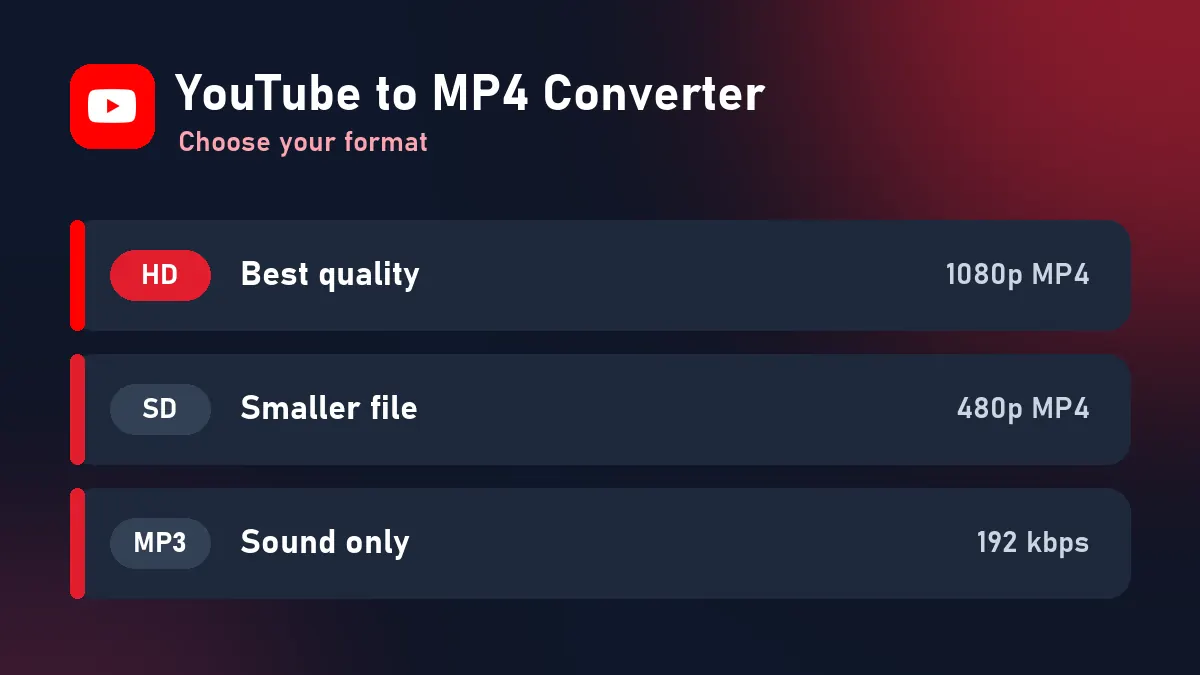
| Download HD | Download | |
|---|---|---|
| Resolution | up to 1080p | 480p |
| 4-minute music video | about 100 MB | about 20 MB |
| Best for | TV, laptop, editing | WhatsApp, mobile data, old phones |
To download YouTube videos in 1080p, choose Download HD. If the uploader only published 720p, you get 720p, the real maximum. The YouTube to MP4 converter never stretches small videos.
Works with every YouTube link
youtube.com/watch?v=…andm.youtube.com/watch?v=…youtu.be/…?si=…share links (tracking removed automatically)youtube.com/shorts/…: vertical MP4 (more on the YouTube Shorts downloader page)- Links from inside a playlist (
&list=): only that video youtube.com/live/…after the stream has ended
MP4 that plays everywhere
Some converters give WebM or AV1 files that won’t open on older Android phones, iPhones without the right app, smart TVs or WhatsApp. VidMate’s YouTube to MP4 output is always MP4 (H.264 + AAC): drop it into CapCut, InShot, Premiere, PowerPoint or a USB stick for the car and it just plays.
Other formats
The same result also offers Download MP3 for audio only. For the full YouTube guide, see the YouTube downloader page. To keep VidMate one tap away, install the VidMate app on your home screen.
Troubleshooting
| Problem | Cause | Solution |
|---|---|---|
| “Private or needs a login” | Private, members-only or age-restricted video | Can’t be converted |
| “Paste the link of one YouTube video” | Channel or playlist page | Open one video, copy its link |
| “Refused the request” | YouTube slowed our server | Try again in a minute |
| Expired buttons | 10-minute limit | Paste the YouTube link again |
Respect copyright
Convert your own videos, Creative Commons content, or videos you’re allowed to keep offline. Don’t re-upload other people’s videos, and subscribe to the creators you watch.
Frequently asked questions
How do I convert YouTube to MP4?
Copy the video link in YouTube, paste it into VidMate, press Download and choose Download HD for a 1080p MP4.
Is the YouTube to MP4 converter safe?
Yes. It runs in your browser with no extension, no pop-up installers and no account. Videos are streamed to you and never stored.
What resolution is the MP4?
Up to 1080p. A 480p MP4 is also offered for smaller files.
Does it work on iPhone?
Yes. Safari saves the MP4 to Files › Downloads; use Share › Save Video to move it to Photos.
Can I convert a whole playlist to MP4?
No. Paste one video at a time. A link copied from inside a playlist converts just that video.
Why does my MP4 have no size shown while downloading?
VidMate merges YouTube's picture and sound as it sends the file, so the browser learns the size only at the end. The download completes normally.